



STEP 1:
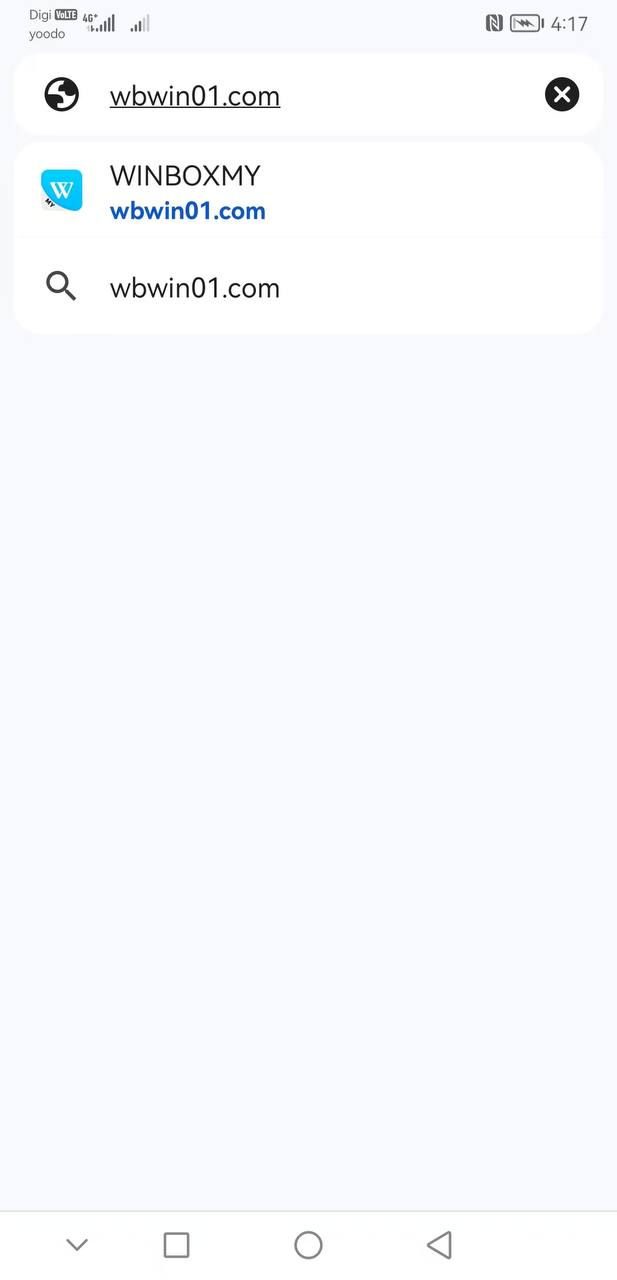
Click on the Android download above, or go to https://www.winbox88rm.com/download to download
STEP 2:
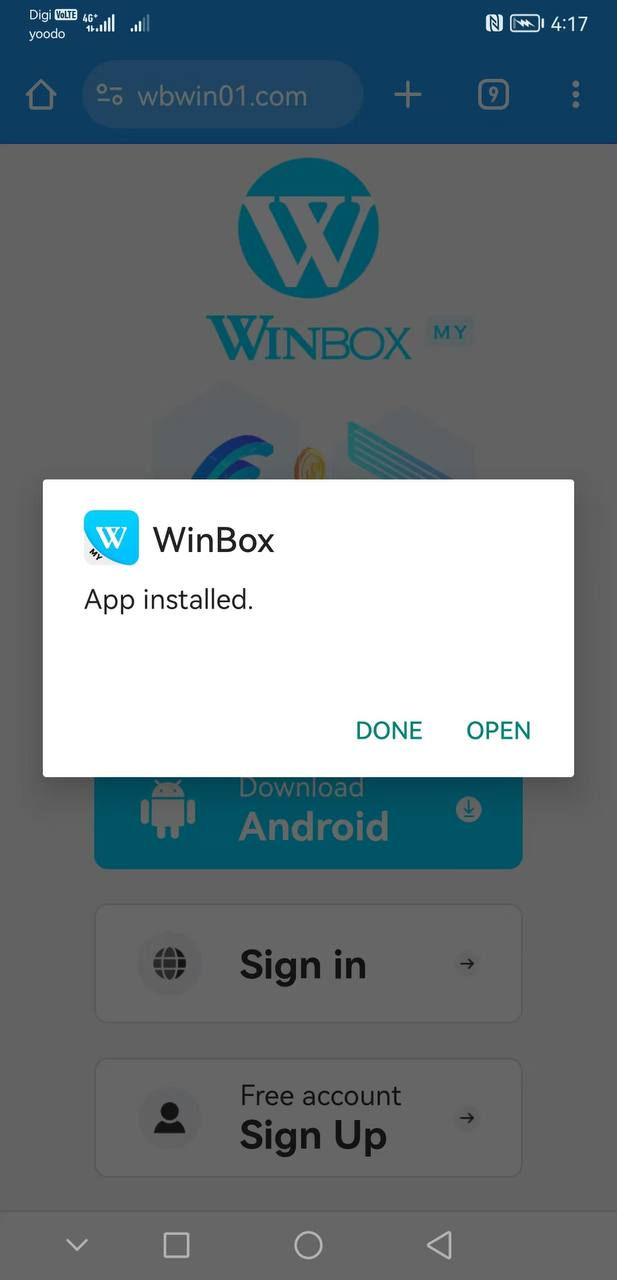
Select “Download Android” >> click “OK”>> downloaded and select “Open”
STEP 3:
Click “Install” app >> You can log in to the APP
STEP 1:
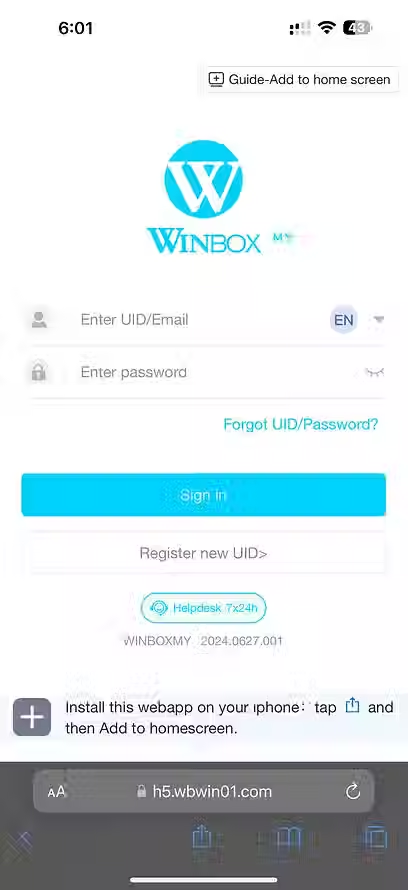
Click

STEP 2:
Click "Add to Home Screen".
STEP 3:
Click "Add"
STEP 4:
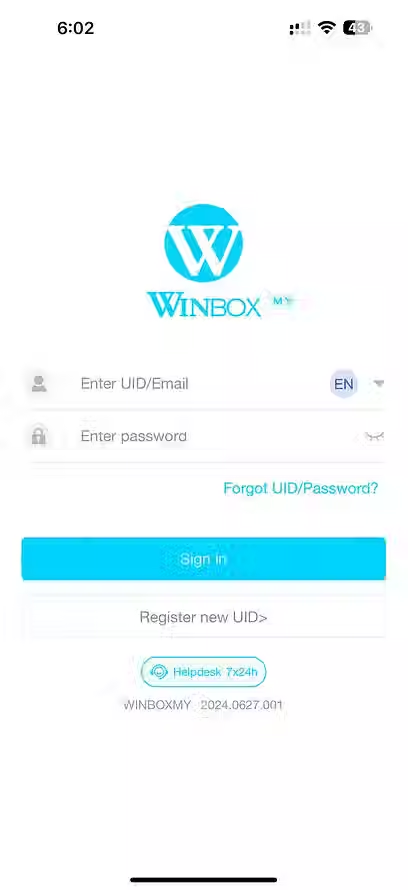
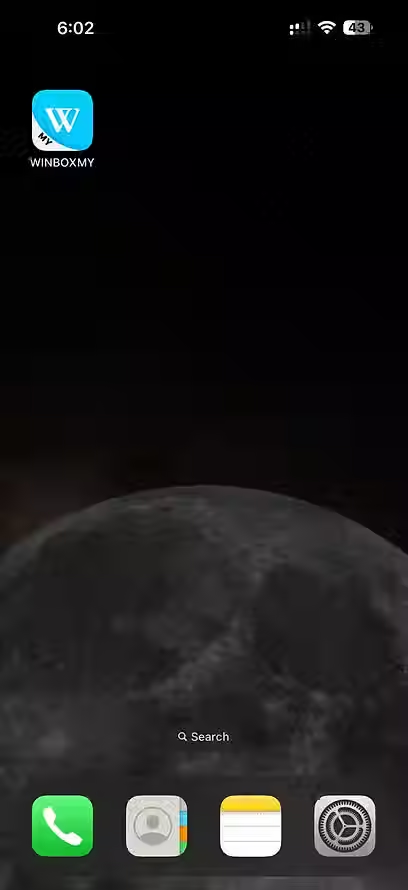
Added Successfully. > Enter App,
Log in to your account
Winbox is Malaysia’s premier online gaming platform, celebrated for its user-friendly interface, diverse entertainment options, and elite gaming ecosystem. To ensure an uncompromised, problem-free user experience, players are highly encouraged to use only our official download channels. By installing our verified software, you guarantee that your personal data, transactions, and account security remain fully protected under bank-grade encryption protocols.
Register your official Winbox account today and unlock a premium world of mobile casino entertainment!
The official Winbox88rm.com portal is your most trusted source for acquiring the latest application software updates. Navigating our hub is simple, granting you immediate access to your dashboard right after login.
Total Device Compatibility: Optimized performance perfectly tailored for both Android smartphones and Apple iOS iPhones.
Massive Game Library: Instant access to thousands of top-tier online slots, tables, live dealer streams (Blackjack, Roulette, Baccarat), and real-time sportsbooks.
Advanced Data Protection: Built-in security layers guard your account credentials and transaction histories against external threats.
Regular Software Updates: Automatic, seamless application patches that introduce fresh features, anti-cheat upgrades, and brand-new game releases.
Dedicated Support Hub: Round-the-clock access to customer service tutorials and live assistance directly through the app interface.
Follow this quick, secure step-by-step tutorial to configure the official iOS app on your Apple device using TestFlight:
Visit the Portal: Open your mobile Safari browser and navigate to our official download section.
Trigger the Download: Tap on the "Apple Download" or "Download Apple iOS" action button.
Install TestFlight: When prompted, proceed by clicking the "Install" button to download Apple’s official TestFlight app framework from the App Store.
Deploy Winbox: Tap the secondary "Install" button within the interface to securely load the Winbox application onto your home screen.
Log In and Play: Once the installation finishes successfully, tap the app icon, log into your profile, and start winning!
Get the stable, high-performance Android application package running on your mobile phone within minutes:
Initiate Download: Tap the prominent "Android Download" button located at the top of our page.
Confirm the Package: Select "Download Android" and click "OK" on any browser security prompts to begin pulling the secure APK file.
Open the File: Once the download is complete, pull down your notification tray and click "Open".
Authorize Permissions: If prompted, temporarily allow installations from "Unknown Sources" in your Android system security settings.
Run Installation: Tap "Install" to instantly add the Winbox mobile app to your phone’s applications menu.
Access Your Dashboard: Open the app, fill in your verified login credentials, and dive into the action.